
A price and plan limit changed
Local capture: September 8, 2026 (UTC) · 1 changed block
Before
After
Monthly price: $55 Saved page limit: 50Screenshots and capture times
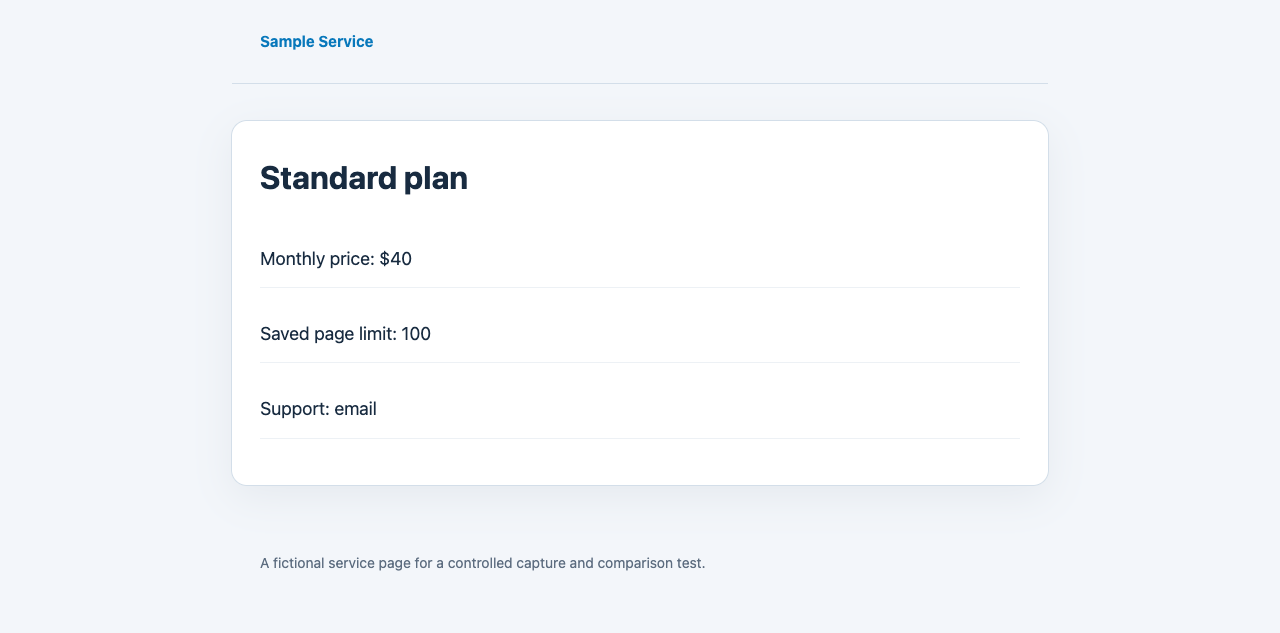
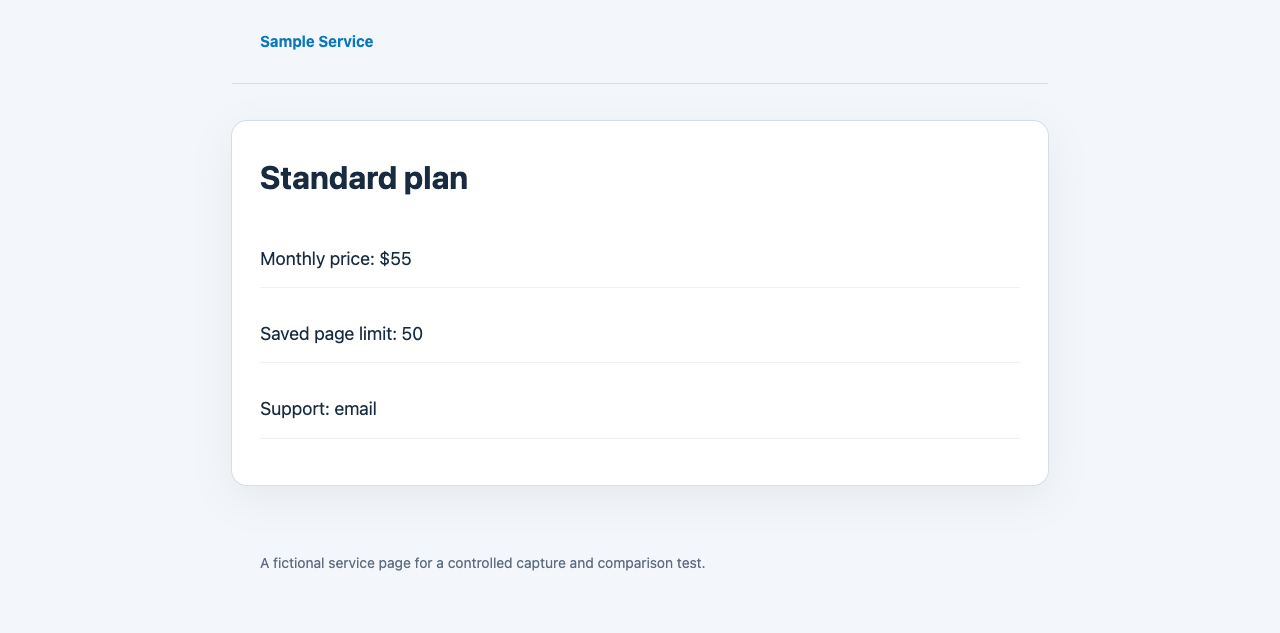
Check public terms and pricing pages regularly and receive email alerts for detected changes. Compare the previous saved version with the latest capture to see which wording changed.
See captured before-and-after examplesURL monitoring is included in Kiroku Pro, along with private archives and evidence packs. $12 / month
URL to monitor
http://www.maxis-inc.com/
Captured examples
We edited fictional pricing and terms pages, captured both versions in a browser, and compared them with Kiroku’s existing comparison code. These are controlled examples, not customer records.
Local capture: September 8, 2026 (UTC) · 1 changed block
Before
After
Monthly price: $55 Saved page limit: 50Local capture: September 8, 2026 (UTC) · 1 changed block
Before
After
Send your cancellation request at least 45 days before renewal.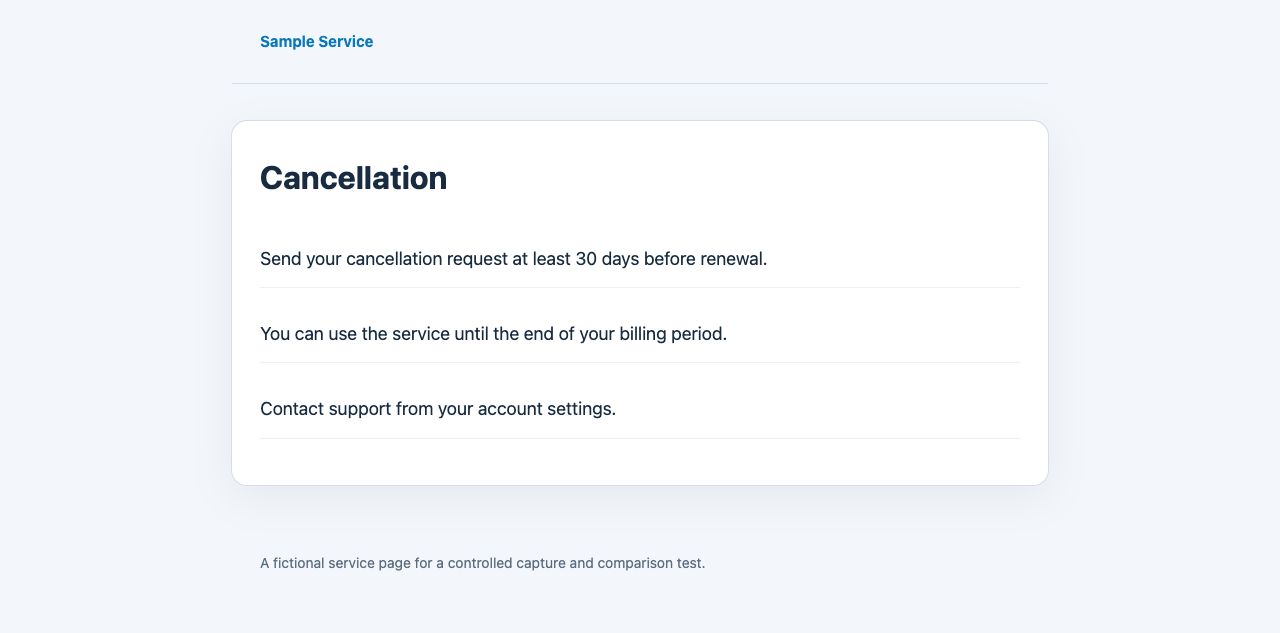
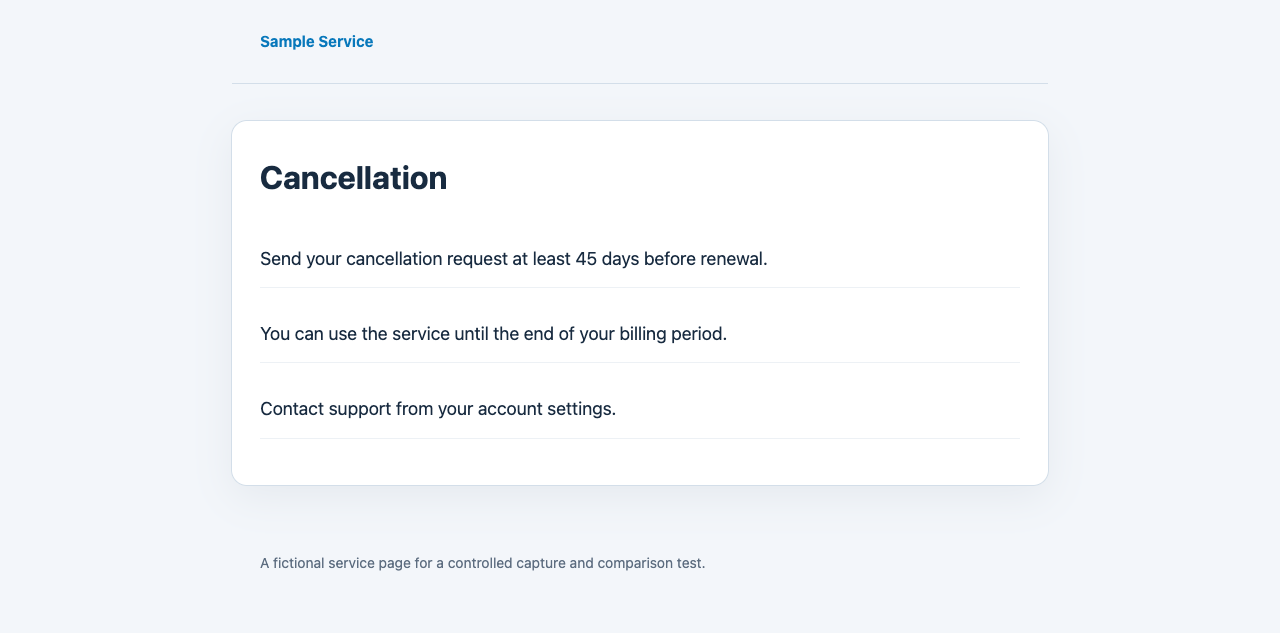
Each pair came from the same local URL before and after an edit. The existing text extraction, comparison and notification-selection code detected the change; an unchanged pair produced no notification. Storage reads used local files and email output was intercepted. This does not measure production capture success, six-hour scheduling, email delivery or external timestamps.
Download test results and file hashes (JSON)Complete Pro checkout, then open the invitation or sign-in link sent to the same email address.
Review the URL in Monitoring and select ‘Start monitoring this URL’. Payment alone does not start a monitor.
Confirm that the first capture completed. Later checks run about every six hours; review errors and saved versions in the dashboard.
Kiroku keeps checking the same URL so you do not have to revisit important pages by hand.
When a change appears, Kiroku keeps the screenshot, HTML, URL, and capture time for that version.
Alerts help you notice the change, while the dashboard keeps the saved versions and diffs for review.
Terms of service, privacy policies, disclosure pages, and other pages where the previous version matters.
Prices, plan conditions, job requirements, product claims, and other detail-heavy pages.
Public notices, company pages, and profiles that may be removed, replaced, or quietly edited.
Register the URL once, then keep the recurring checks, changed-page saves, and previous-version diffs together in the Pro dashboard.