Archive ready

Kiroku - ウェブページ保存・魚拓 - Chrome ウェブストア

https://chromewebstore.google.com/detail/kiroku-%E3%82%A6%E3%82%A7%E3%83%96%E3%83%9A%E3%83%BC%E3%82%B8%E4%BF%9D%E5%AD%98%E3%83%BB%E9%AD%9A%E6%8B%93/aloplndmebncmkjcoodmjkfgciaeiejp?hl=ja&utm_source=ext_sidebar
April 4, 2026 at 11:43 AM JSTThe archive page, viewer, and downloads use this saved version.
April 4, 2026 at 11:43 AM JST·chromewebstore.google.com

The evidence pack includes HTML, screenshots, summaries, and metadata. It can be downloaded on Pro.
Saved page

Kiroku - ウェブページ保存・魚拓 - Chrome ウェブストア

Open the archived HTML with saved-time metadata attached.

This HTML has CSS and images embedded, so it can still be opened even if the original page disappears.

About this pageAI generated

This page introduces "Kiroku," a Chrome extension that saves web pages with one click. It automatically records screenshots, HTML, and AI summaries of web pages. Users can save pages via the toolbar button or right-click menu, and archived pages open in new tabs. The extension is free and requires no account registration. It serves as an alternative to web archives, suitable for preserving evidence of defamation or copyright violations. Saved data can be shared via permanent URLs and is usable as court evidence. The developer does not collect user data.

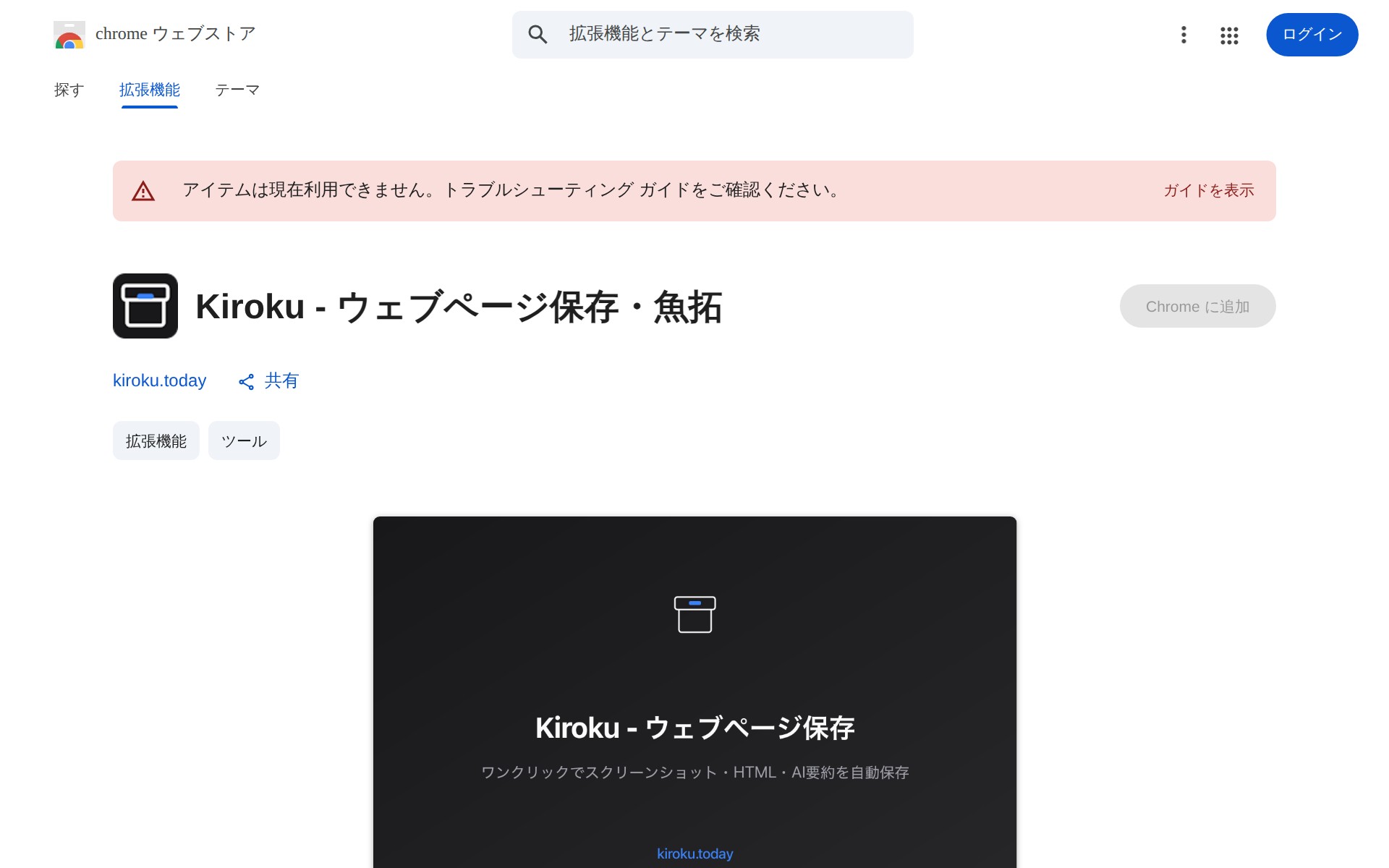
Kiroku - ウェブページ保存・魚拓 - Chrome ウェブストア - Saved screenshot

The full page can be captured up to 15,000px in height so you can review the complete page layout when needed.