🌐 Beyond One Data Source: Building Scalable Data Pipelines in Power BI - DEV Community
https://dev.to/abooafifah/beyond-one-data-source-building-scalable-data-pipelines-in-power-bi-145fBundle the HTML, screenshot, summaries, and metadata into one ZIP file. Pro saves automatically start preparing the external RFC 3161 timestamp, and only unfinished records need one more preparation step before download.
🌐 Beyond One Data Source: Building Scalable Data Pipelines in Power BI - DEV Community
Open the dedicated viewer to inspect the saved page with archive metadata pinned above it.
This is a self-contained HTML copy with CSS and images embedded, so it still renders even if the original page disappears.
The dedicated viewer keeps the original URL and saved timestamp visible while you review the archived HTML.
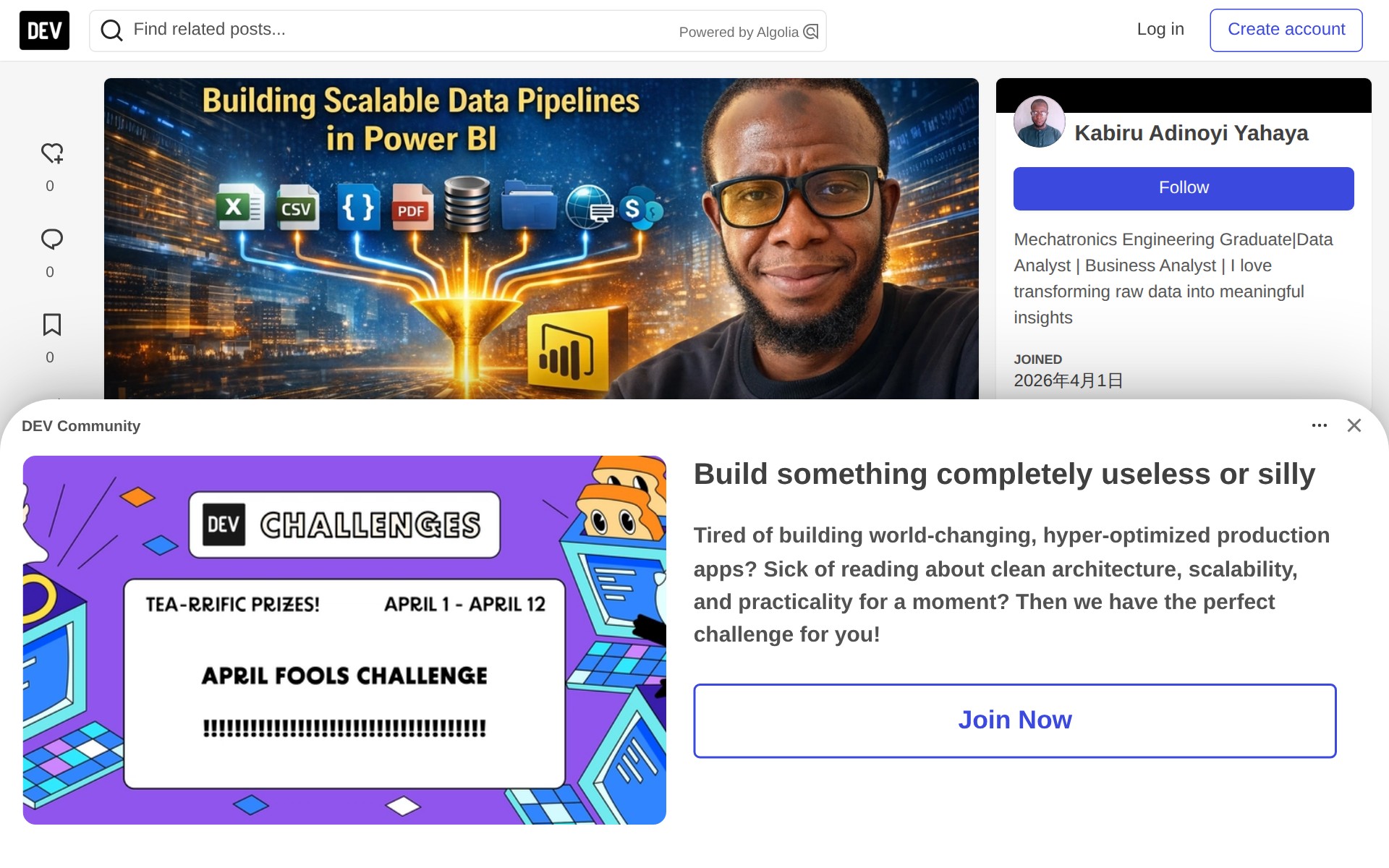
This page explains how to build scalable data pipelines in Power BI by integrating multiple data sources. It addresses the challenge of connecting scattered data from various formats including Excel, CSV, PDFs, JSON APIs, databases, and SharePoint folders into a single source of truth. The article outlines Power BI's architecture comprising Power BI Desktop, data sources, and Power Query for transformation. It provides step-by-step guides for connecting to different data sources, starting with Excel. The key message emphasizes that a data analyst's role extends beyond analysis to connecting, preparing, and unifying data from multiple systems into a cohesive analytical framework.