
JRE(Java実行環境)の確認方法 | 公的個人認証サービス ポータルサイト
This is the individual archive of www.jpki.go.jp/e-apply/confirm.html, saved at April 8, 2026 at 03:08 PM JST (record 2a97ef32d619d6bb).
https://www.jpki.go.jp/e-apply/confirm.htmlThe evidence pack includes the preserved original, metadata, hashes, and available timestamp verification files. It can be downloaded on Pro.
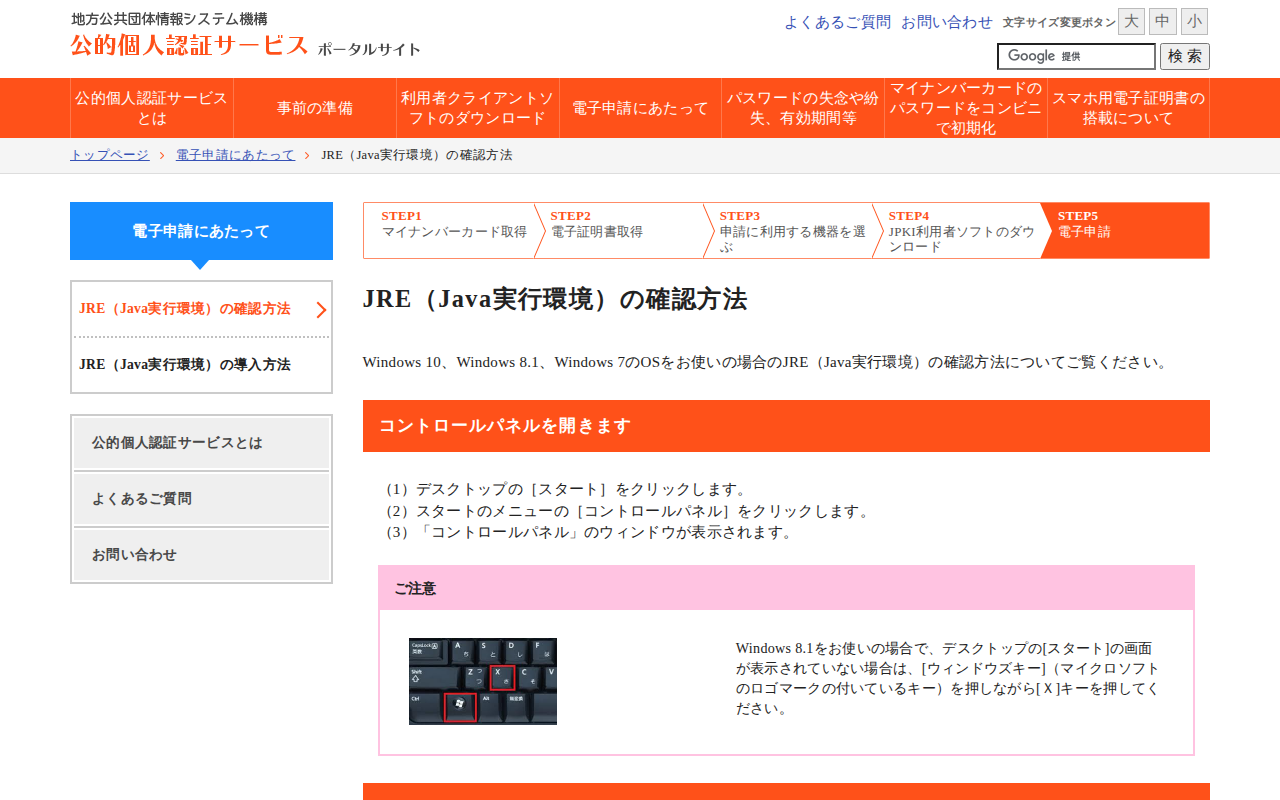
The full page can be captured up to 15,000px in height so you can review the complete page layout when needed.
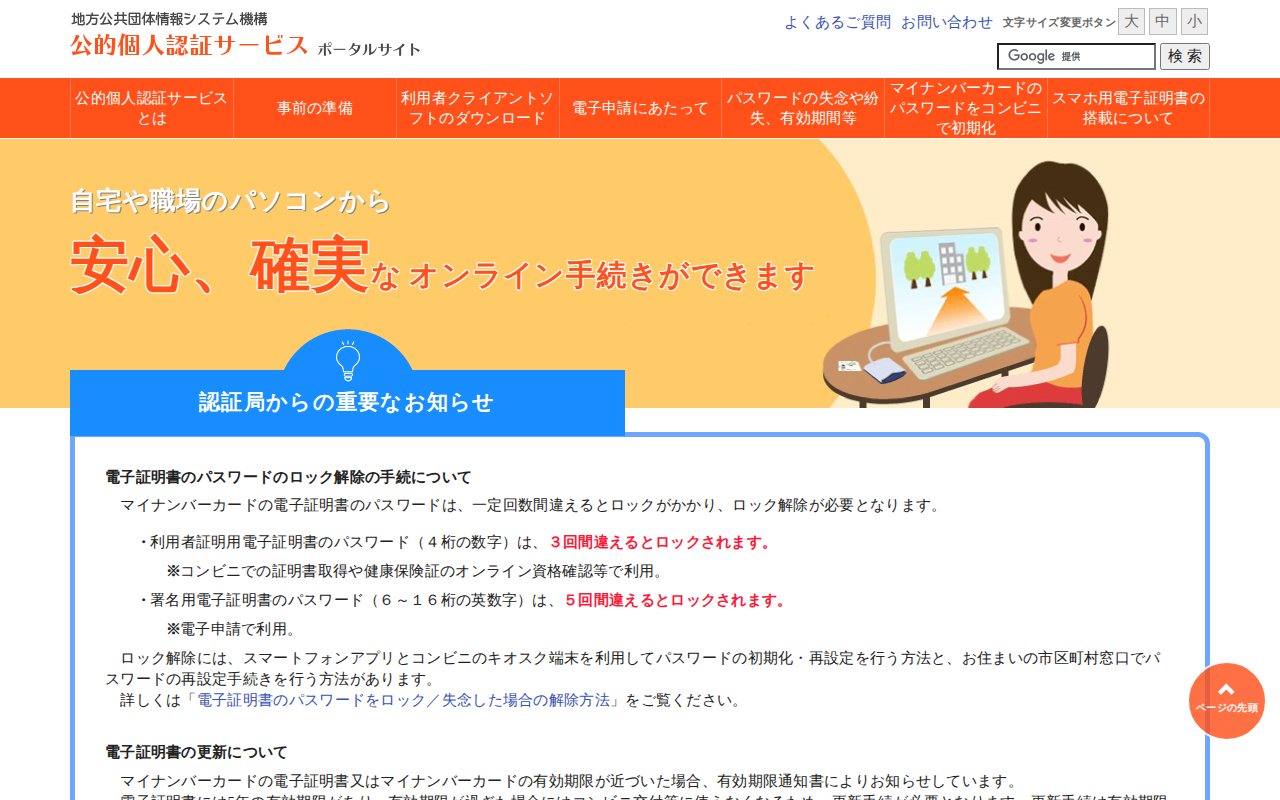
公的個人認証サービスとは | 公的個人認証サービス ポータルサイト
/
このページは、公的個人認証サービスについて説明しています。サービスを利用するための手順として、マイナンバーカードの取得や電子証明書の取得が必要であり、ICカードリーダライタを用意し、利用者クライアントソフトを設定することが求められます。また、パスワードの管理についても触れており、パスワードを複数回間違えるとロックがかかり、解除手続きが必要です。電子証明書は5年の有効期限があり、更新手続きも説明されています。オンラインでの行政手続きが可能で、利用者向けのガイドやよくある質問も提供されています。
Open save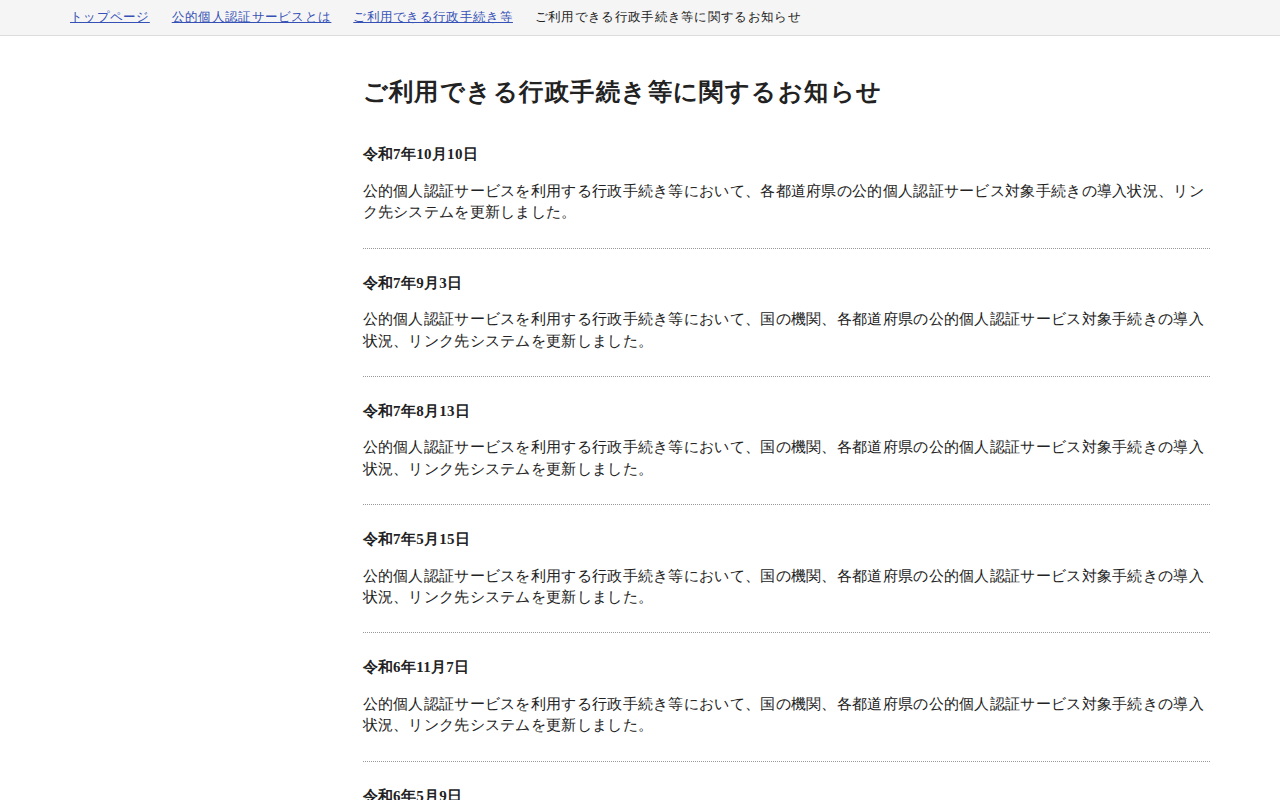
ご利用できる行政手続き等に関するお知らせ | 公的個人認証サービス ポータルサイト
/jpkiguide/admin_proce/news.html
Open save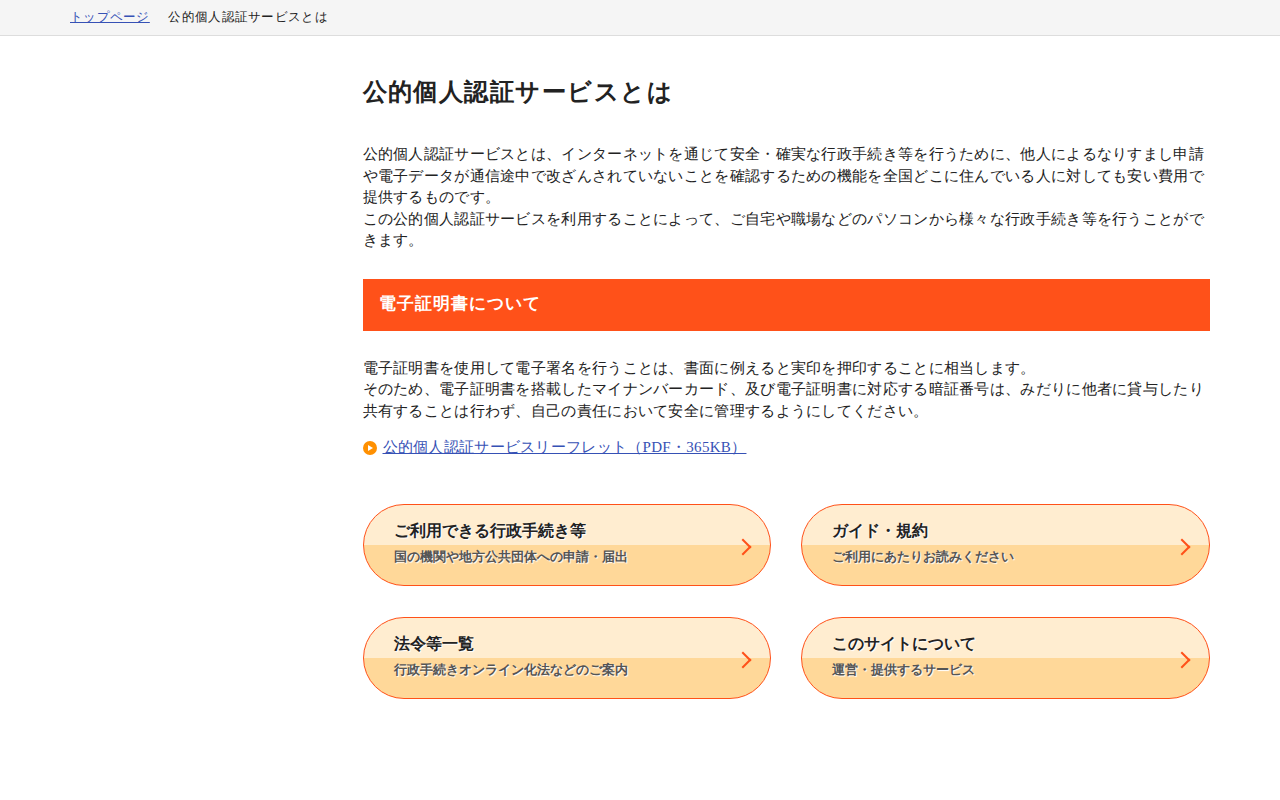
公的個人認証サービスとは | 公的個人認証サービス ポータルサイト
/jpkiguide/index.html
Open save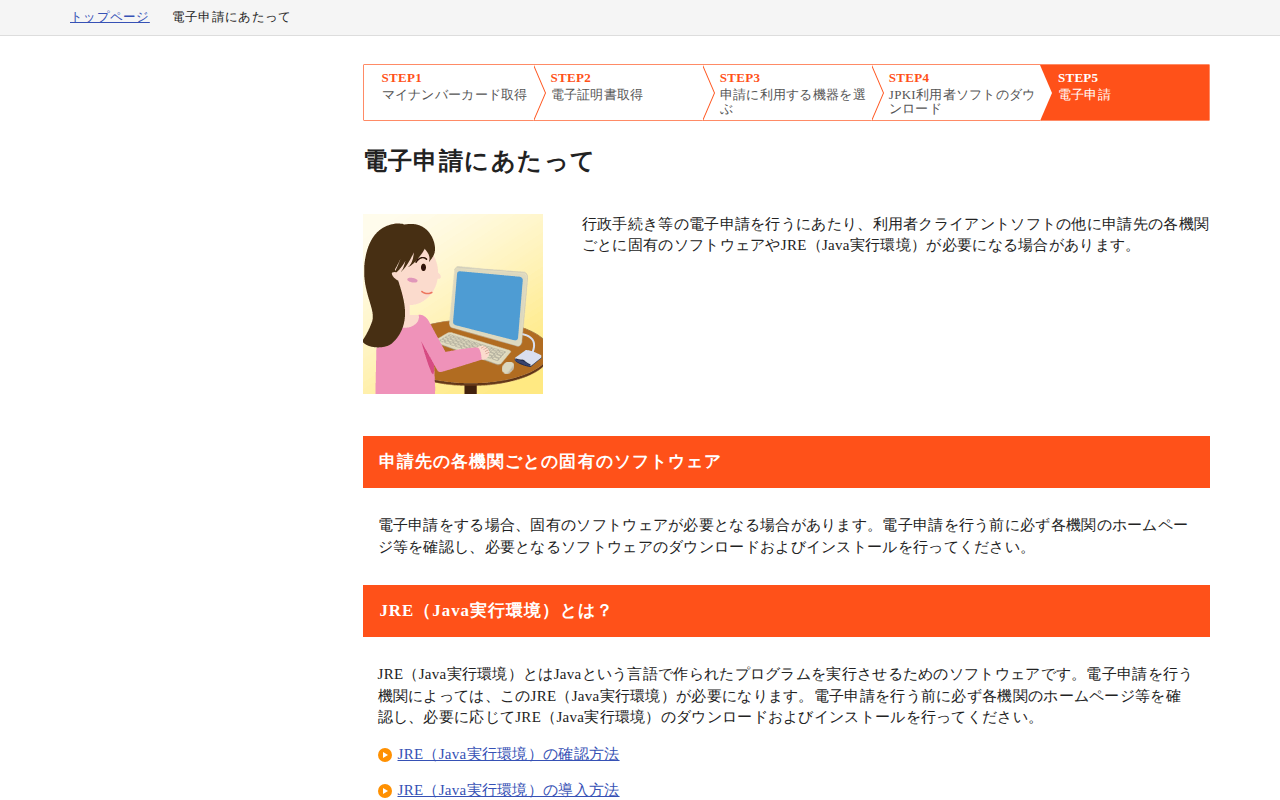
電子申請にあたって | 公的個人認証サービス ポータルサイト
/e-apply/index.html
Open save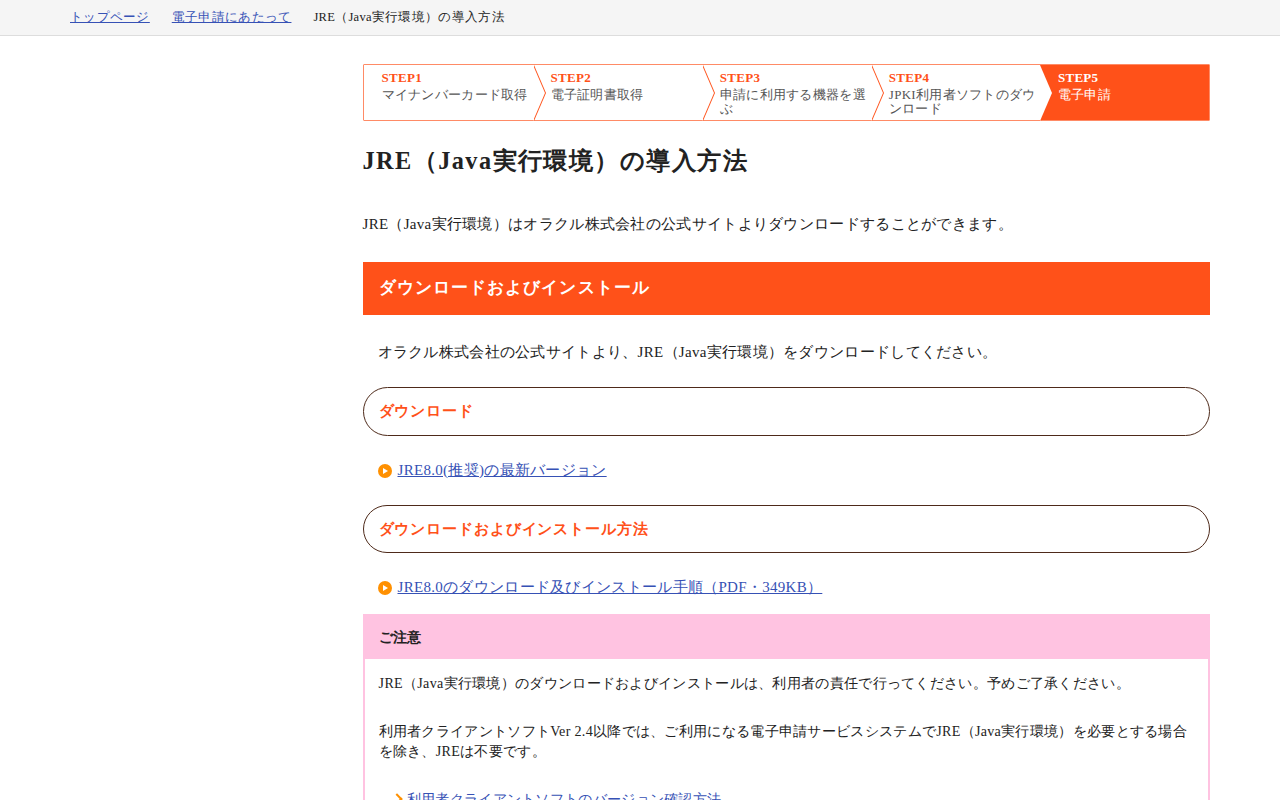
JRE(Java実行環境)の導入方法 | 公的個人認証サービス ポータルサイト
/e-apply/jre.html
Open save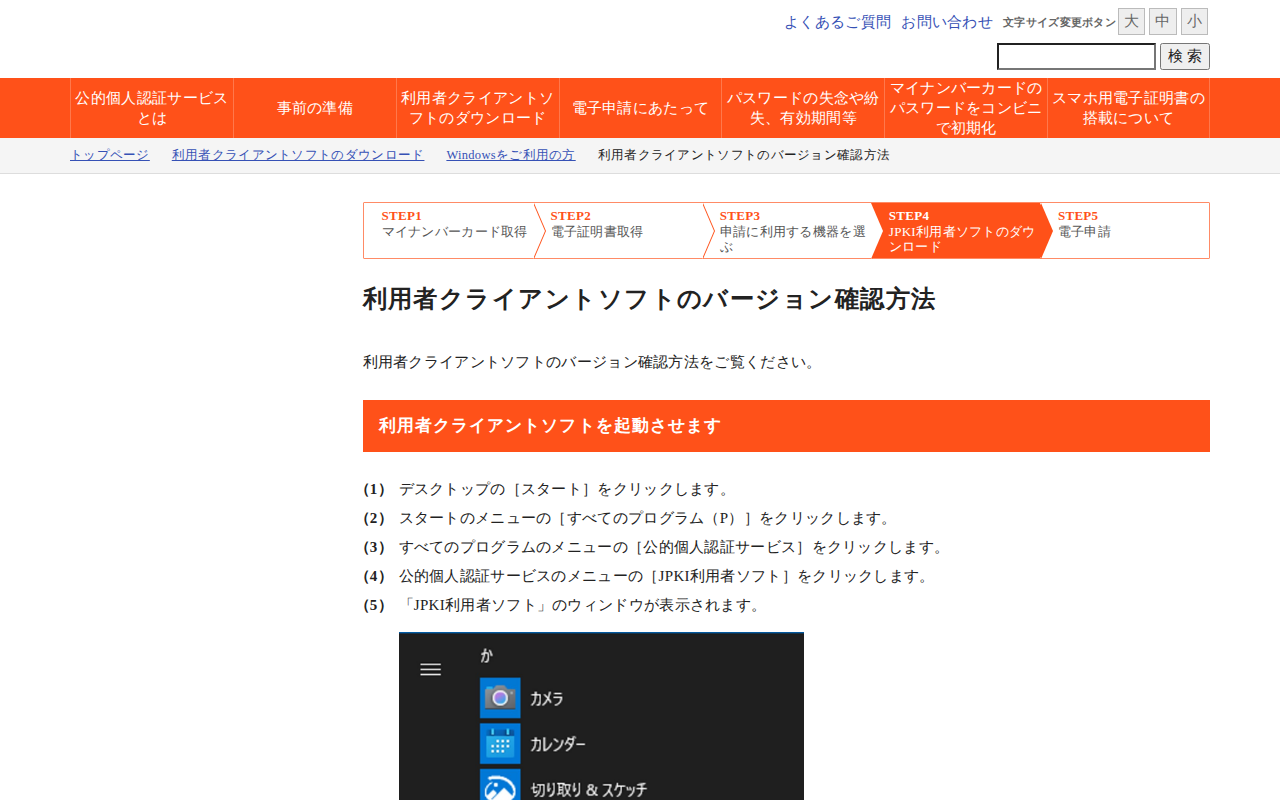
利用者クライアントソフトのバージョン確認方法 | 公的個人認証サービス ポータルサイト
/download/win/version.html
Open save