faq.coincheck.com/answer/6886c1998ba5d4dd821f7452
archives
This URL has 1 public saves. The first save was Apr 6, 2026, 04:42 AM and the latest save was Apr 6, 2026, 04:42 AM.
View recent saves on this domain
Latest saved version
業界標準フォーマットでの取引履歴(CSV)の取得方法を教えてください : FAQ/お問い合わせ
This is the newest public snapshot for this URL and the best place to start reviewing the page.
Source URL
https://faq.coincheck.com/answer/6886c1998ba5d4dd821f7452/
About this page
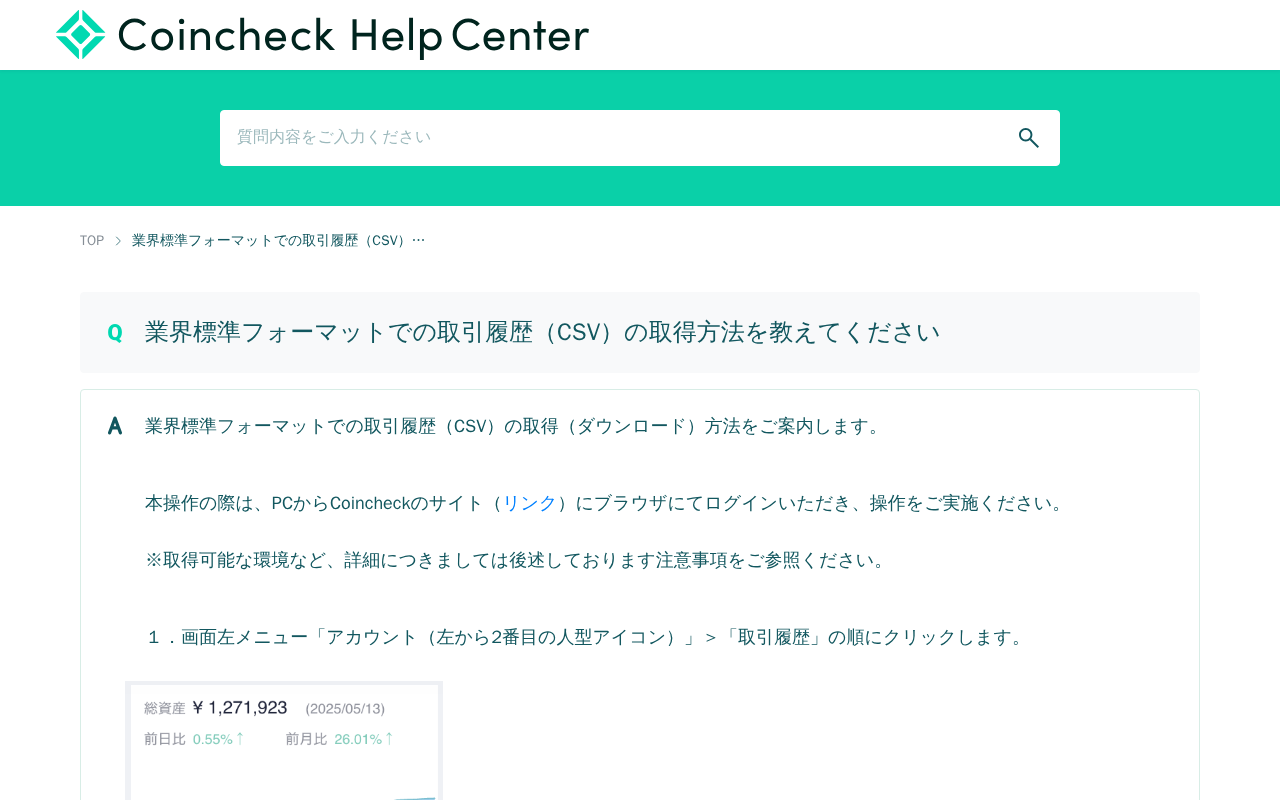
This page provides instructions on how to download trading history in industry-standard CSV format from Coincheck. Users must log in via PC browser, navigate to Account > Trading History, select "Create File" for the desired period, and click "Download" once creation is complete. The downloaded ZIP file should be extracted to access the CSV file. Important notes include: downloads are only available via PC browser, not mobile apps; current month data isn't finalized; Google Chrome latest version is recommended; and staking rewards are excluded from this format.
Saved versions
faq.coincheck.com/answer/6886c1998ba5d4dd821f7452 web archives are listed here. You can still review the saved screenshot and HTML even if the original page disappears.