Archive ready

業界標準フォーマットでの取引履歴(CSV)の取得方法を教えてください : FAQ/お問い合わせ

https://faq.coincheck.com/answer/6886c1998ba5d4dd821f7452/
April 6, 2026 at 01:42 PM JSTThe archive page, viewer, and downloads use this saved version.
April 6, 2026 at 01:42 PM JST·faq.coincheck.com

Bundle the HTML, screenshot, summaries, and metadata into one ZIP file. The first export request adds an external RFC 3161 timestamp before download.
Saved page

業界標準フォーマットでの取引履歴(CSV)の取得方法を教えてください : FAQ/お問い合わせ

Open the dedicated viewer to inspect the saved page with archive metadata pinned above it.

StartedApril 6, 2026 at 01:42 PM JST

This is a self-contained HTML copy with CSS and images embedded, so it still renders even if the original page disappears.

The dedicated viewer keeps the original URL and saved timestamp visible while you review the archived HTML.

About this pageAI generated

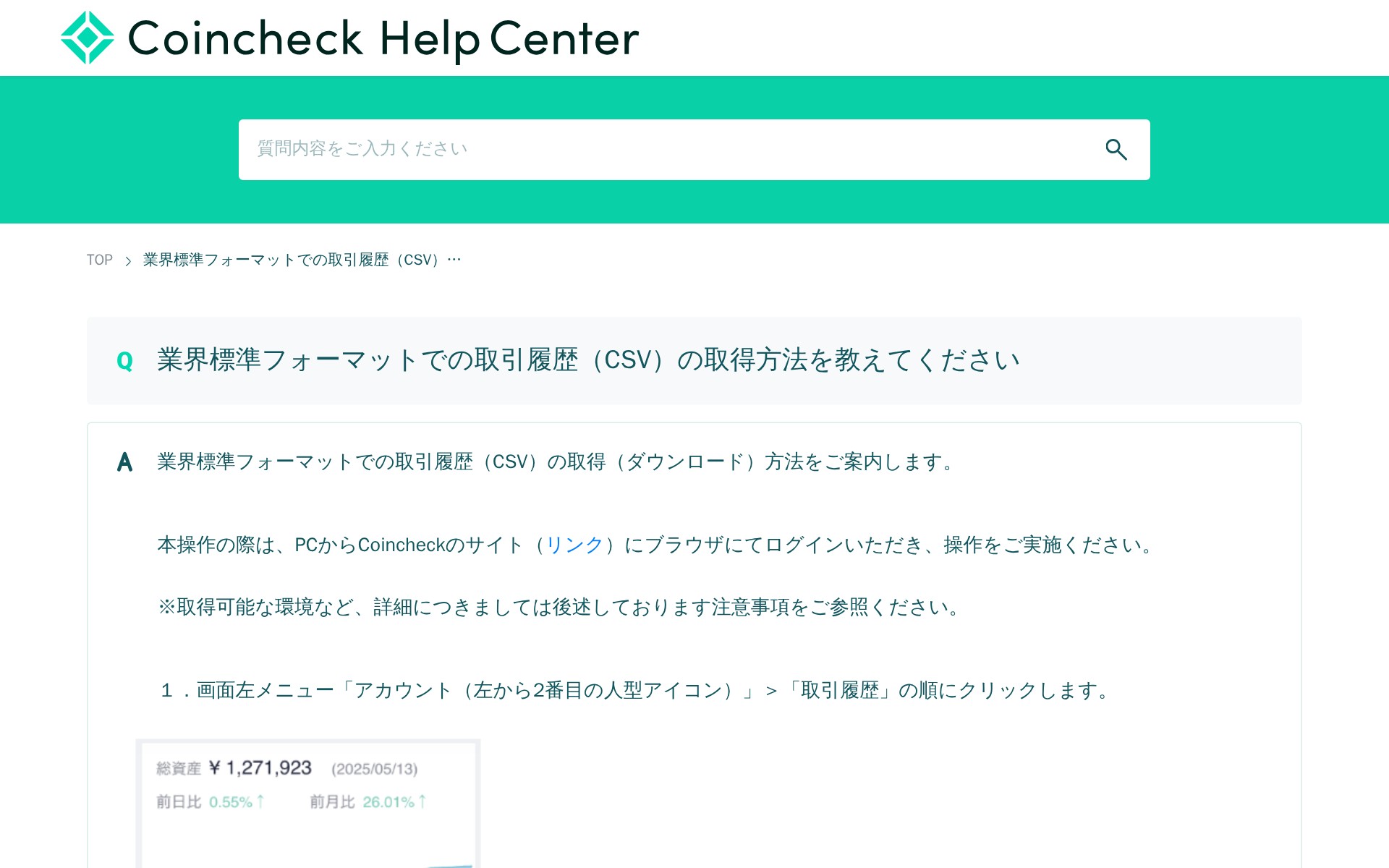
This page provides instructions on how to download trading history in industry-standard CSV format from Coincheck. Users must log in via PC browser, navigate to Account > Trading History, select "Create File" for the desired period, and click "Download" once creation is complete. The downloaded ZIP file should be extracted to access the CSV file. Important notes include: downloads are only available via PC browser, not mobile apps; current month data isn't finalized; Google Chrome latest version is recommended; and staking rewards are excluded from this format.

業界標準フォーマットでの取引履歴(CSV)の取得方法を教えてください : FAQ/お問い合わせ - Saved screenshot

The full page can be captured up to 15,000px in height so you can review the complete page layout when needed.