Archive ready

Getting Started With Seal Report: Applying Custom Joins - DEV Community

https://dev.to/vladg_dev/getting-started-with-seal-report-applying-custom-joins-322p
April 3, 2026 at 02:31 AM JSTThe archive page, viewer, and downloads use this saved version.
April 3, 2026 at 02:31 AM JST·dev.to

Bundle the HTML, screenshot, summaries, and metadata into one ZIP file. Pro saves automatically start preparing the external RFC 3161 timestamp, and only unfinished records need one more preparation step before download.

Saved page

Getting Started With Seal Report: Applying Custom Joins - DEV Community

Open the dedicated viewer to inspect the saved page with archive metadata pinned above it.

This is a self-contained HTML copy with CSS and images embedded, so it still renders even if the original page disappears.

The dedicated viewer keeps the original URL and saved timestamp visible while you review the archived HTML.

About this pageAI generated

This page is the fifth post in a Seal Report tutorial series. While automatically retrieving data from multiple tables is powerful, real-world reporting scenarios often require custom SQL expressions, user-defined functions, or stored procedures. The article demonstrates how to link SQL expressions with other tables, combining Seal Report's automatic joins and filters with custom SQL logic. Prerequisites include an AdventureWorks2025 database instance and familiarity with configuring data sources in Seal Report. The goal is to rewrite a previous report using a different approach: retrieving data from Person.Person and HumanResources schema in a single SQL expression, applying custom joins between tables, and maintaining dynamic filters.

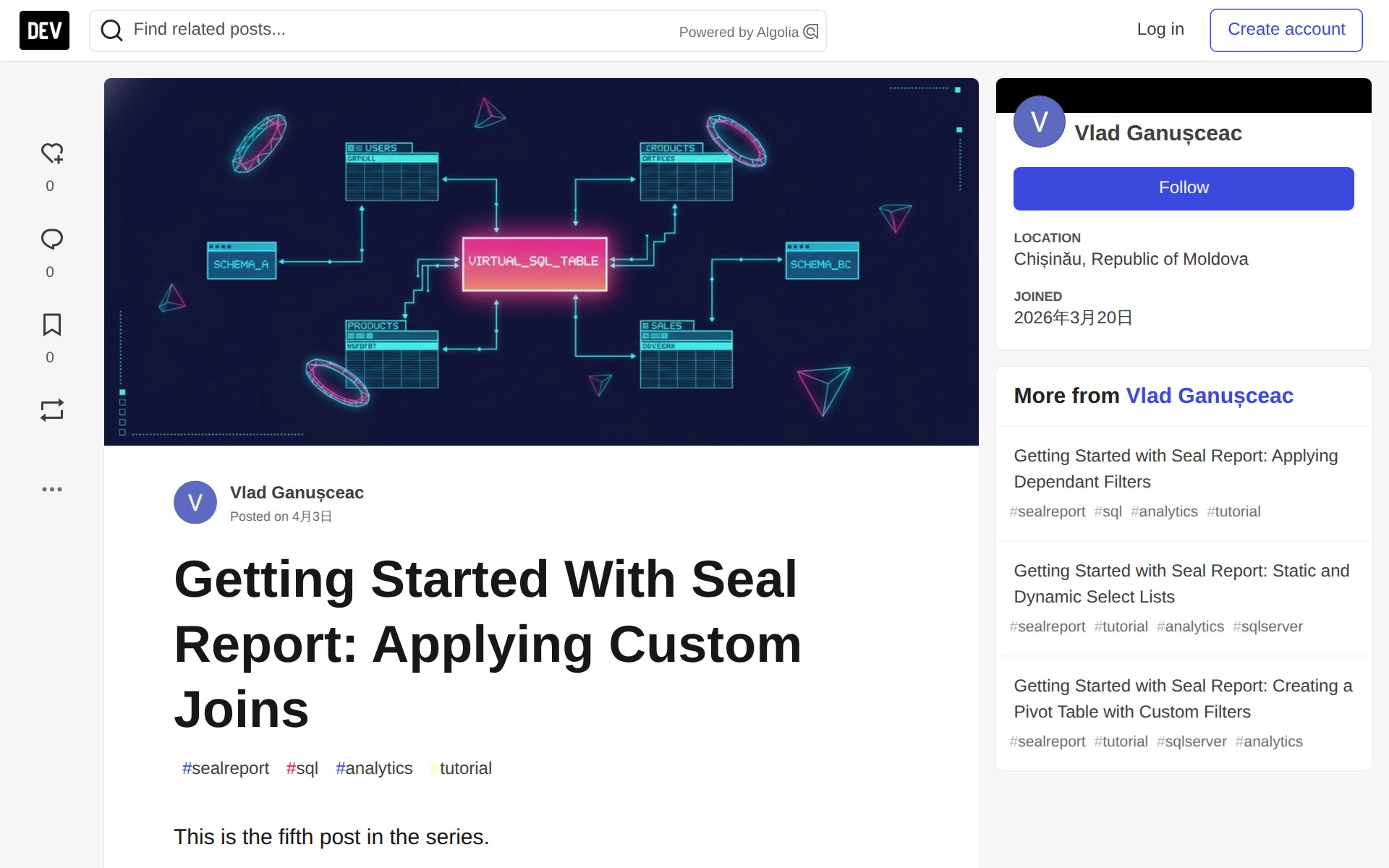
Getting Started With Seal Report: Applying Custom Joins - DEV Community - Saved screenshot

The full page can be captured up to 15,000px in height so you can review the complete page layout when needed.